
Database Inspector
Browse database tables, view schema and records, execute SQL queries, and analyze query plans.
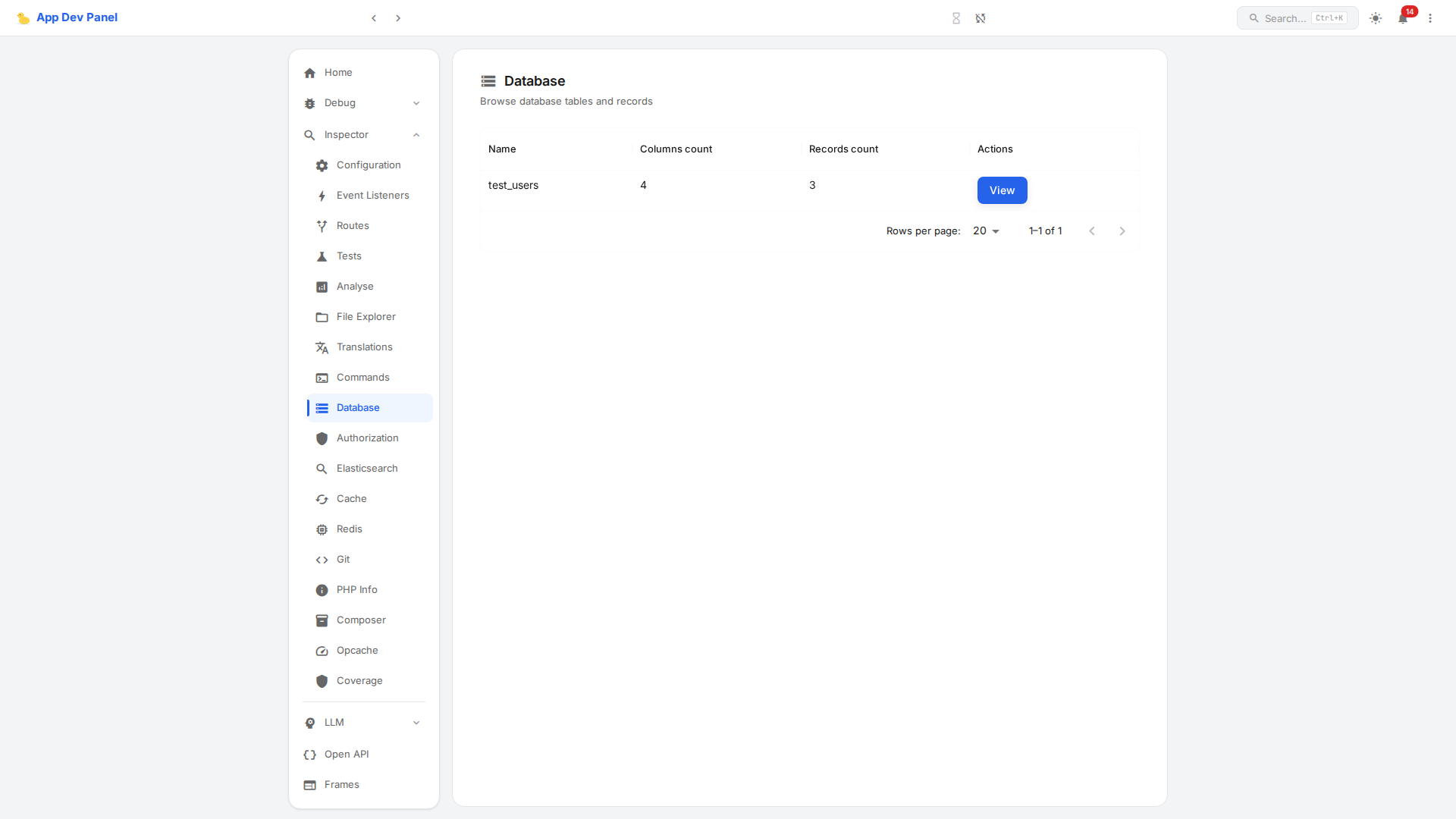
Table Browser
Lists all database tables with column count and record count. Click View to see the table's schema and records.
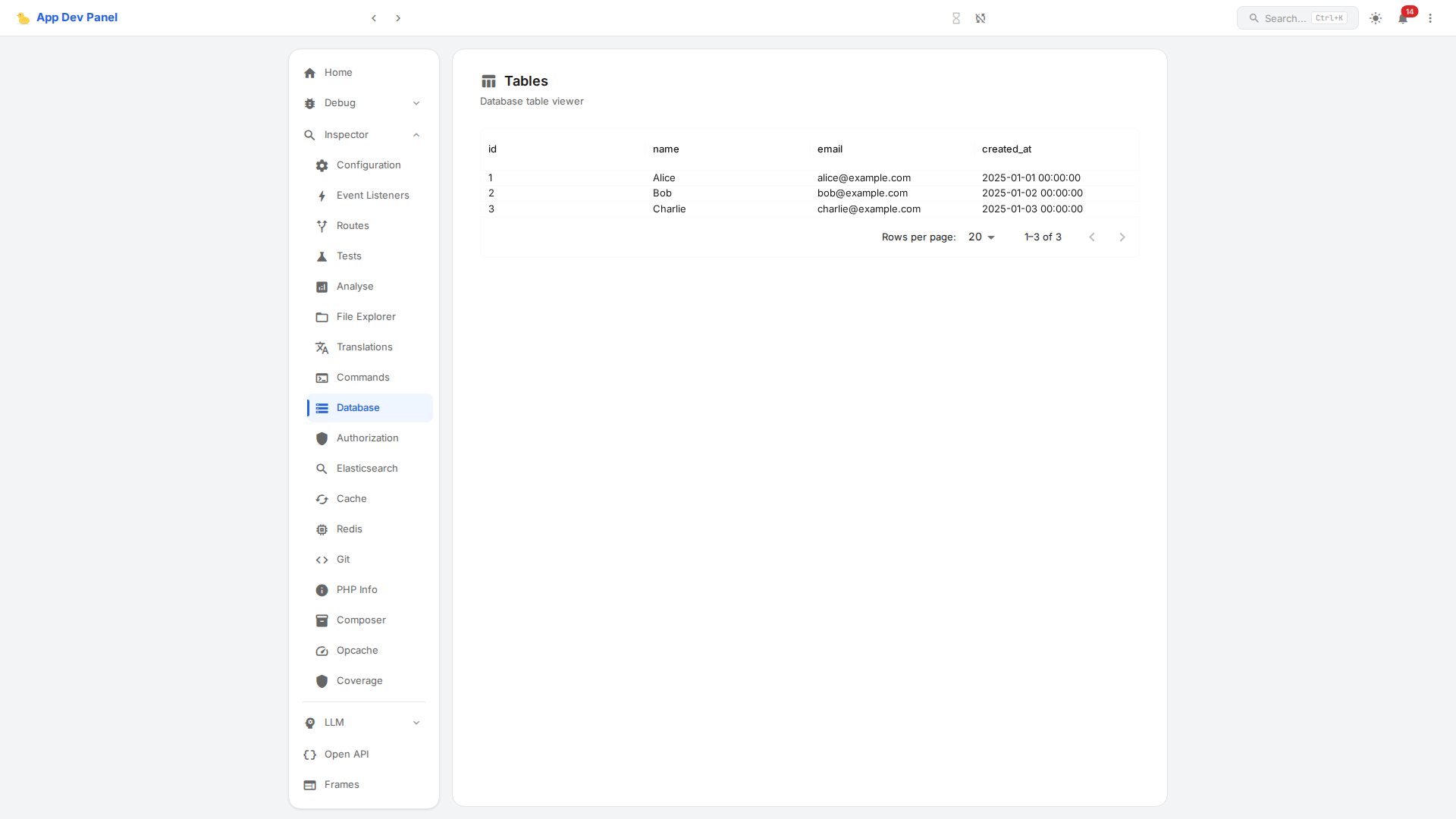
What It Shows
| Feature | Description |
|---|---|
| Tables list | All tables with column/record counts |
| Table schema | Column names, types, defaults, nullability |
| Records | Paginated data rows (default 50, max 1000) |
| SQL Query | Execute raw SQL against the database |
| EXPLAIN | Analyze query execution plans (with optional ANALYZE) |
SQL Query Executor
Execute any SQL query directly from the panel. Supports parameterized queries for safety.
EXPLAIN Plans
Run EXPLAIN or EXPLAIN ANALYZE on queries to see execution plans, useful for debugging slow queries.
API Endpoints
| Method | Path | Description |
|---|---|---|
| GET | /inspect/api/table | List all tables |
| GET | /inspect/api/table/{name}?limit=50&offset=0 | Table schema + paginated records |
| POST | /inspect/api/table/explain | EXPLAIN a SQL query |
| POST | /inspect/api/table/query | Execute a raw SQL query |
EXPLAIN request body:
json
{
    "sql": "SELECT * FROM users WHERE id = ?",
    "params": [1],
    "analyze": true
}Adapter Support
WARNING
SQL queries execute against the live database. Use with care in production environments.