
OpenTelemetry Collector
Captures OpenTelemetry spans and traces — distributed tracing data with error counting and span metadata.
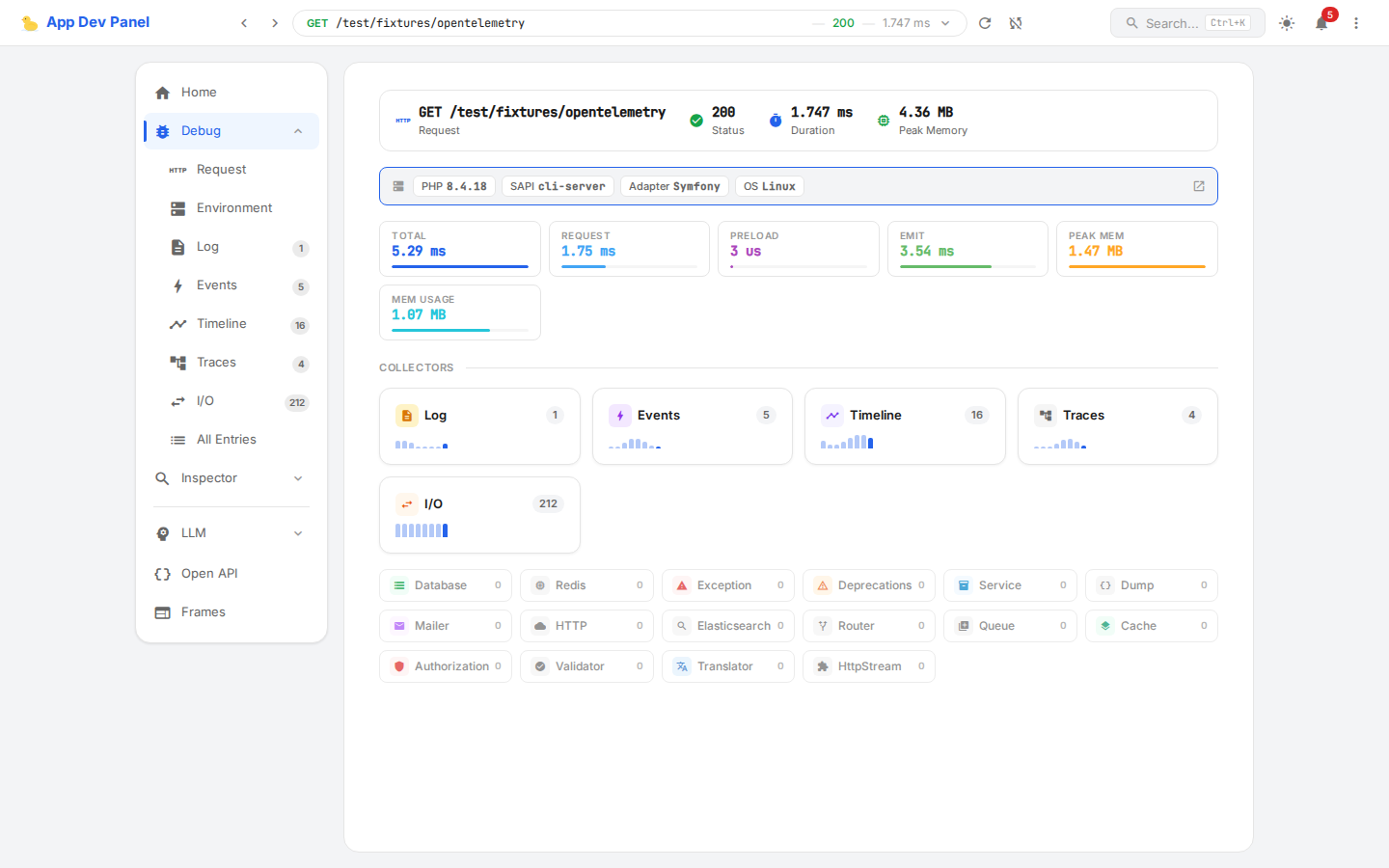
What It Captures
| Field | Description |
|---|---|
spans | Array of collected spans |
traceCount | Number of distinct traces |
spanCount | Total number of spans |
errorCount | Number of spans with errors |
Data Schema
{
    "spans": [
        {
            "traceId": "abc123...",
            "spanId": "def456...",
            "parentSpanId": null,
            "name": "HTTP GET /users",
            "kind": "SERVER",
            "startTime": 1711878000100,
            "endTime": 1711878000350,
            "status": "OK",
            "attributes": {"http.method": "GET", "http.url": "/users"},
            "events": []
        }
    ],
    "traceCount": 1,
    "spanCount": 5,
    "errorCount": 0
}Summary (shown in debug entry list):
{
    "opentelemetry": {
        "spans": 5,
        "traces": 1,
        "errors": 0
    }
}Contract
use AppDevPanel\Kernel\Collector\OpenTelemetryCollector;
use AppDevPanel\Kernel\Collector\SpanRecord;

$collector->collect(new SpanRecord(
    traceId: 'abc123...',
    spanId: 'def456...',
    name: 'HTTP GET /users',
    kind: 'SERVER',
    startTime: 1711878000100,
    endTime: 1711878000350,
    status: 'OK',
    attributes: ['http.method' => 'GET'],
));

// Or batch collection
$collector->collectBatch([$span1, $span2, $span3]);INFO
OpenTelemetryCollectorAppDevPanel\Kernel\Collector\OpenTelemetryCollectorCollects Open Telemetry data during application lifecycle. implements SummaryCollectorInterfaceAppDevPanel\Kernel\Collector\SummaryCollectorInterfaceSummary data collector responsibility is to collect summary data for a collector. Summary is used to display a list of previous requests and select one to display full info. Its data set is specific to the list and is reduced compared to full data collected in {@see CollectorInterface}. and depends on TimelineCollectorAppDevPanel\Kernel\Collector\TimelineCollectorCollects Timeline data during application lifecycle..
How It Works
The collector receives spans from an OpenTelemetry SpanExporter adapter. When your application uses OpenTelemetry SDK for tracing, spans are exported to this collector instead of (or in addition to) external backends like Jaeger or Zipkin.
Debug Panel
- Trace view — spans grouped by trace ID
- Span timeline — visual timeline of span durations
- Error highlighting — spans with errors marked in red
- Attribute inspection — expandable span attributes and events